Shield Analytics Has Shut Down: 6 Alternatives for 2026
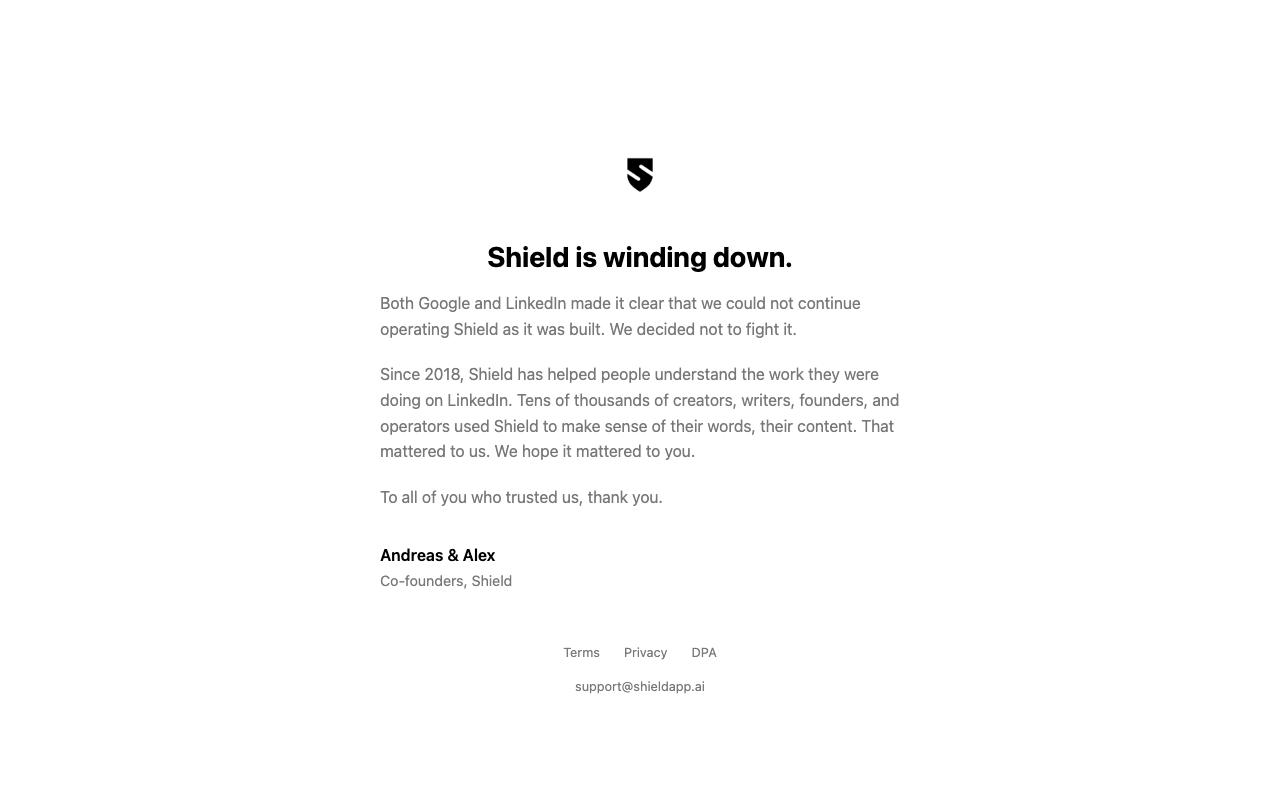
Shield Analytics has shut down. Shield (also called Shield App) announced its wind-down in May 2026, and as of September 2026 neither shieldapp.ai nor the Shield app loads. There is no way to sign in or export anything.
This guide covers what happened, what you can still save, what LinkedIn gives you for free, and the analytics tools that are still worth switching to.
A disclosure before we start: PublishFlow makes a LinkedIn drafting tool, not an analytics tool. We don't compete with any of the analytics options below, which is why we can rank them on merit.
In This Article
- What Happened to Shield Analytics
- What Shield Users Lost, and What LinkedIn Still Gives You
- Save What You Can Now
- What to Look For in a Shield Replacement
- The Best Shield Analytics Alternatives in 2026
- Analytics Was Only Half of It
- What to Do This Week
- Frequently Asked Questions
What Happened to Shield Analytics
Shield shut down because LinkedIn and Google told its founders it could not keep running the way it was built. Co-founder Andreas Jonsson announced it on LinkedIn on May 18, 2026, opening with "after seven years, Shield is winding down."
Shield's own notice, signed by co-founders Andreas and Alex, put it this way:
"Both Google and LinkedIn made it clear that we could not continue operating Shield as it was built. We decided not to fight it."
Shield ran as a Chrome extension, so it depended on both LinkedIn's rules for third-party tools and Google's rules for the Chrome Web Store. The founders didn't go into more detail than that.
The notice is gone now too. As of September 2026, shieldapp.ai returns an error and the Shield app no longer loads.
What Shield Users Lost, and What LinkedIn Still Gives You
What's gone
- Multi-year history. Shield kept your numbers for as long as you were connected. LinkedIn's own analytics go back 365 days at most.
- Post-against-post comparisons. The side-by-side views that showed why one post beat another.
- Early monitoring. Hour-by-hour tracking of a new post in its first few hours.
The history is the part you can't get back. Any tool you connect today starts from today, apart from whatever it can import.
What LinkedIn's native analytics gives you now
LinkedIn's built-in analytics are better than many people remember. According to LinkedIn's help pages on post analytics and creator analytics, every member (not just creator mode) gets:
- Post analytics for any range from the past 7 days up to the past 365 days
- Impressions, members reached, reactions, comments, reposts, saves and sends
- Your top-performing posts
- Total and new followers, plus follower demographics: job title, location, industry, seniority, company size and company
- An export of all of it to an .XLSX file
The main gap is history. LinkedIn stops at 365 days, so if you want a long-term record, you have to export regularly.
Save What You Can Now
You can't export from Shield anymore, because the app is offline. Here is what you can still do:
- Keep any Shield CSVs you already have. Store them somewhere safe. They still work in a spreadsheet or an AI assistant if you want to look back at what performed.
- Export your LinkedIn analytics today. Choose the 365-day range and export to .XLSX. Then set a reminder to do it again every quarter. That builds the long history LinkedIn doesn't keep for you.
- Request your LinkedIn data archive. Go to Settings, then Data privacy, then Get a copy of your data. LinkedIn says the archive includes your posts (date, link, text and visibility) and doesn't list performance numbers. AuthoredUp says it can load past posts from this archive, including reaction and comment counts.
What to Look For in a Shield Replacement
Before you pick a tool, decide what you actually used Shield for. These five questions cover most of it:
- How deep is the analytics? Post-level numbers, trends over time, or both.
- How does it connect to LinkedIn? Through LinkedIn's official API, through an extension that reads the page you're looking at, or through your logged-in session. Shield's shutdown is a reminder that this matters. Official-API tools only see what LinkedIn shares, but they don't depend on how LinkedIn treats extensions.
- Can it load your history, or does it start counting from the day you sign up?
- Does it cover what you post from? A personal profile, a company page, or both.
- Do you also want help writing posts, or just the numbers?
The Best Shield Analytics Alternatives in 2026
Prices come from each vendor's own pricing page, checked on September 29, 2026. Check before you buy.
| Tool | Starts at | Free option | Also does | Best for |
|---|---|---|---|---|
| AuthoredUp | $19.95/mo | 14-day trial, no card | Editor, drafts, scheduling | Closest Shield replacement |
| Taplio | $39/mo ($32 yearly) | 7-day trial | AI writing, scheduling, lead tools | One suite for everything |
| MagicPost | $49/mo ($29 yearly) | Free trial, no card | AI writing, scheduling | Official API plus writing help |
| Buffer | $6/mo per channel | Free plan, basic insights | Scheduling across networks | Posting to several networks |
| Metricool | $25/mo ($20 yearly) | Free plan excludes LinkedIn | Planning, reporting | Agencies and many profiles |
| LinkedIn native | Free | Built in | Nothing else | Checking numbers now and then |
AuthoredUp
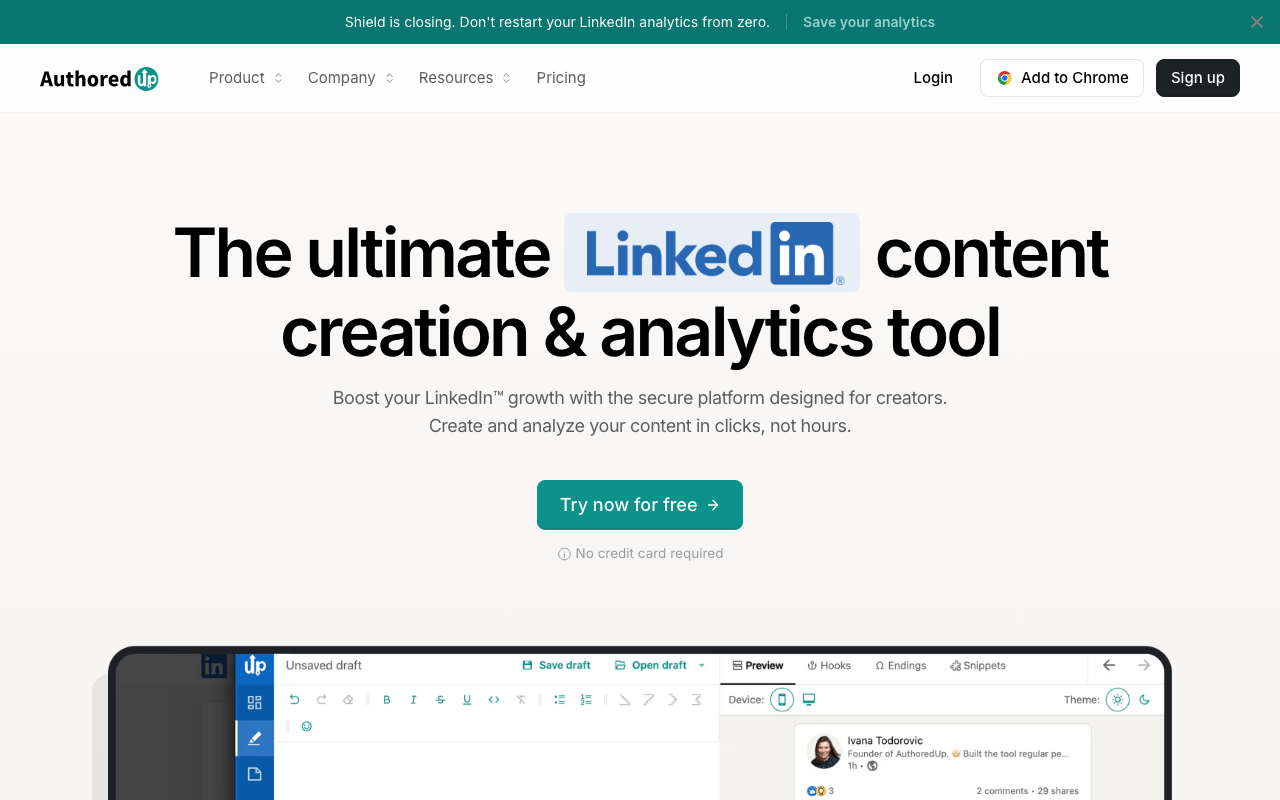
AuthoredUp is the closest like-for-like replacement for most people who used Shield on a personal profile. It combines post analytics with an editor, drafts and scheduling.
What it replaces from Shield: post-level analytics and history. AuthoredUp says you can upload your LinkedIn data export to load past posts.
How it connects: a Chrome extension. AuthoredUp says it "only reads what's on your screen" and doesn't use your login cookie.
Price: Individual plan at $19.95/month, or $16.63/month billed yearly. 14-day free trial, no card. Company pages carry no extra per-page charge.
Best for: creators and founders who want Shield-style numbers plus a better editor.
Limitation: it's built around its Chrome extension, so it's a desktop tool first.
Taplio
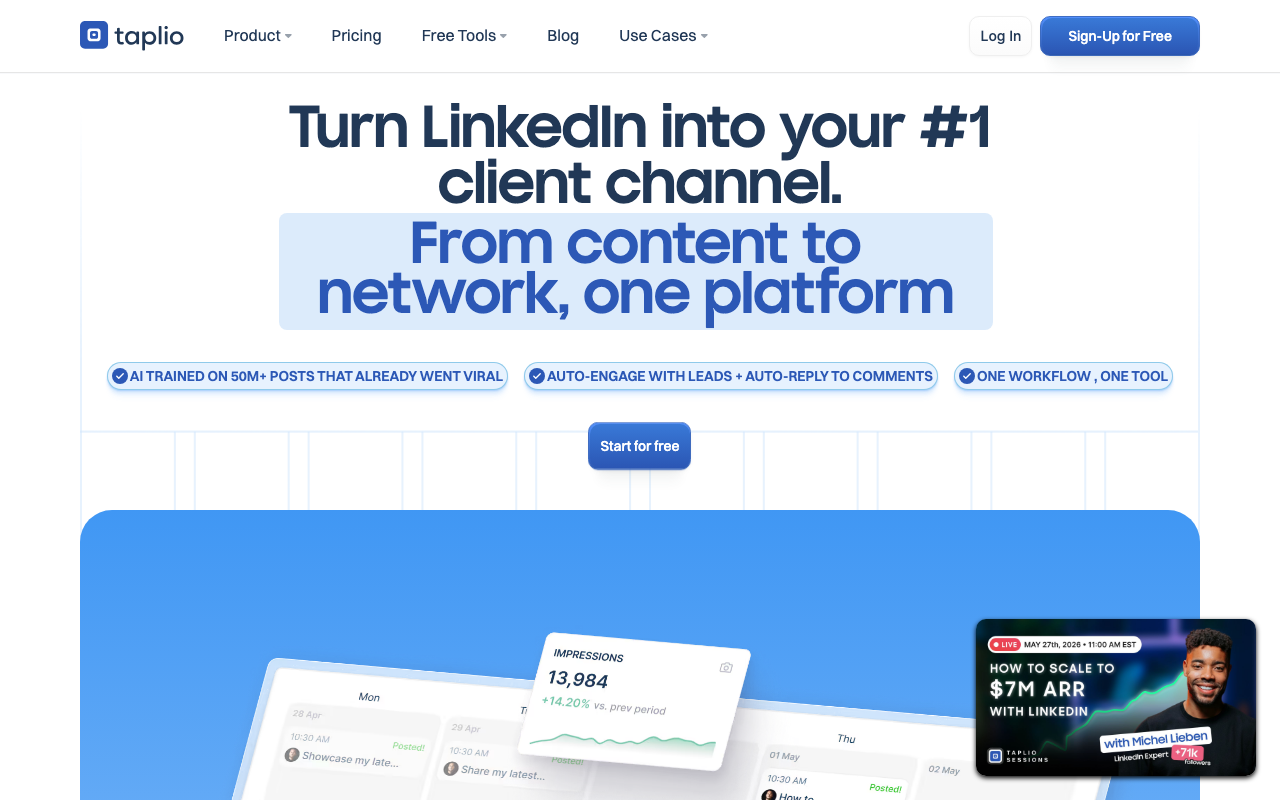
Taplio puts analytics inside a larger growth suite: AI writing, scheduling, engagement and lead tools.
What it replaces from Shield: core post and profile metrics, which are included from the Starter plan up.
Price: Starter at $39/month, or $32/month billed yearly. Growth at $69/month, or $49/month billed yearly. 7-day free trial.
Best for: people who want one paid tool for writing, scheduling, analytics and outreach.
Limitation: if all you want is analytics, you're paying for a lot of features you won't use.
MagicPost

MagicPost combines AI writing and scheduling with analytics. It describes itself as a LinkedIn-verified partner.
What it replaces from Shield: post metrics, with "advanced metrics" on its Growth plan.
How it connects: MagicPost says it uses the official LinkedIn API, not a browser extension.
Price: Growth at $49/month, or $29/month billed yearly. Free trial, no card. Its pricing page also points to a separate analytics-only plan at $19/month.
Best for: people who want official-API access and help writing in the same tool.
Limitation: official-API tools are limited to the metrics LinkedIn's API makes available.
Buffer
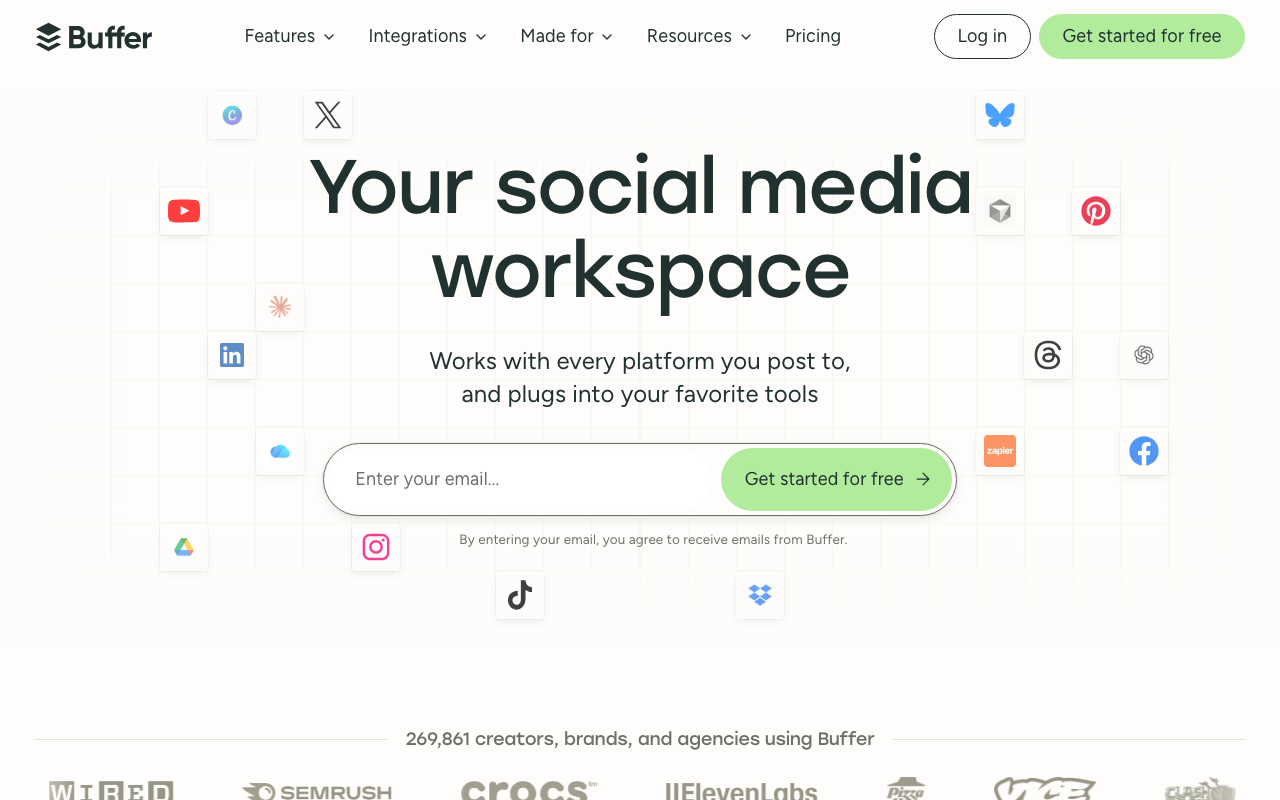
Buffer is a scheduling tool for many social networks with analytics built in. It was one of the launch partners for LinkedIn's post analytics API, according to a July 2025 announcement by a LinkedIn product lead.
What it replaces from Shield: the basics, meaning performance numbers for the posts you publish.
Price: a free plan with basic insights and 30 days of history. Essentials from $6/month per channel, or $5/month billed yearly, with a 14-day trial.
Best for: people who post to several networks and want LinkedIn numbers in the same place.
Limitation: Buffer's pricing page lists advanced analytics for LinkedIn company pages, but only basic analytics for personal profiles.
Metricool
Metricool is a planning, analytics and reporting tool for many networks. It added LinkedIn analytics for personal profiles in July 2025 and was named in the same launch-partner announcement as Buffer.
What it replaces from Shield: profile and post analytics, with reports you can share.
Price: Starter at $25/month, or $20/month billed yearly, which includes LinkedIn. Metricool's free plan does not include LinkedIn.
Best for: agencies and anyone reporting across several profiles and networks.
Limitation: you need a paid plan before you see any LinkedIn data.
LinkedIn Native Analytics
Covered above: free for every member, up to 365 days, with an .XLSX export.
Best for: people who post once or twice a week and check their numbers now and then.
Limitation: no history beyond 365 days unless you export it yourself.
Price: free.
A note on older lists
Some older lists of Shield alternatives still recommend Inlytics. It no longer operates: inlytics.io now redirects to a different product, DemandBird.
Analytics Was Only Half of It
Shield did two jobs for a lot of people. The obvious one was showing which posts worked. The quieter one was keeping them posting. A dashboard you check every week works like a mirror, and a flat line is hard to ignore.
An analytics tool can tell you that Tuesday's story post beat Thursday's opinion post. It can't write next week's posts. And when the posts stop, there's nothing left to measure.
If that's the part you're really missing, the fix isn't a better chart. It's a weekly rhythm built from material you already have: your calls, your voice notes, the articles you write. Review a batch of drafts once a week, approve the good ones, and schedule them.
Where PublishFlow Fits (and Where It Doesn't)
PublishFlow doesn't replace Shield. It covers the other half: getting next week's posts written.
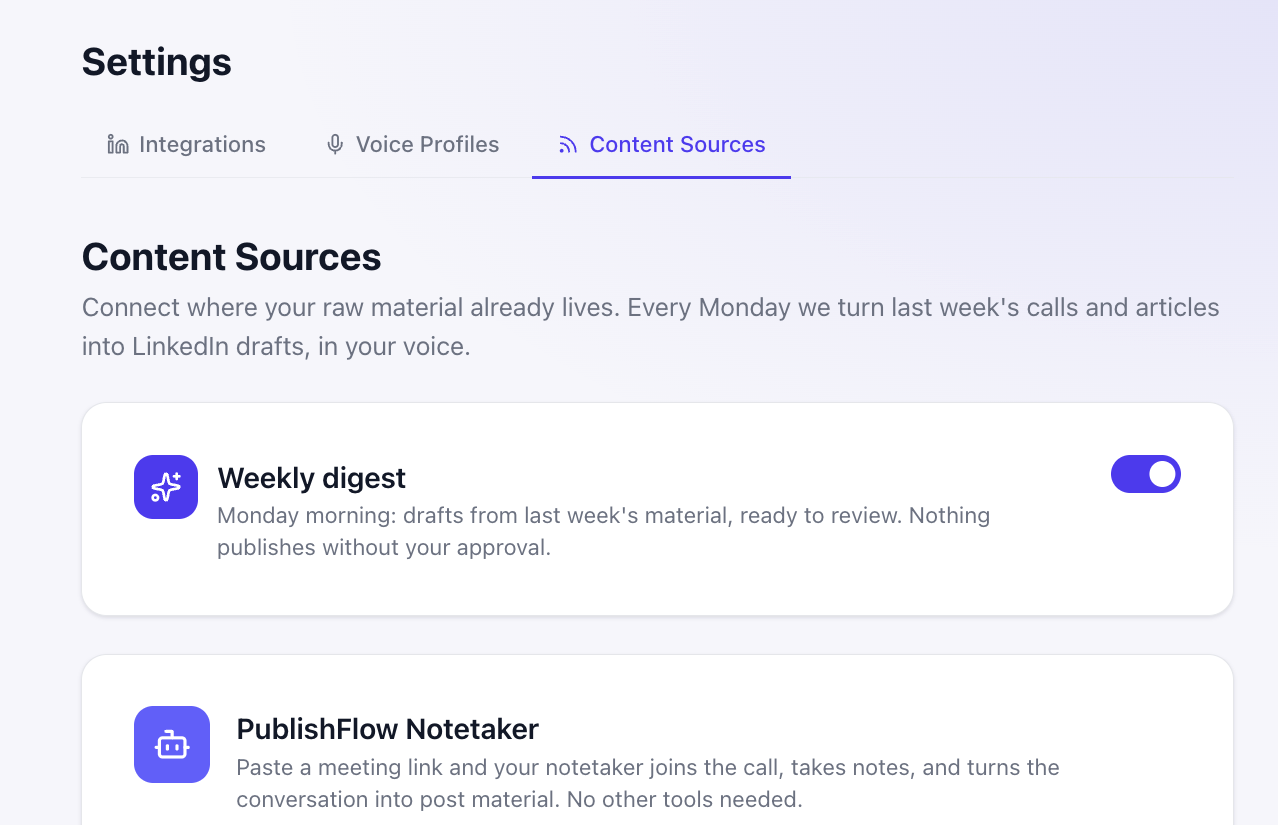
Your calls become material. Paste a meeting link and the meeting notetaker joins your Google Meet, Teams or Webex call under your name, keeping the stories, proof and opinions you said out loud. Or connect Fireflies, Fathom, tl;dv or your blog's RSS feed through the content engine.
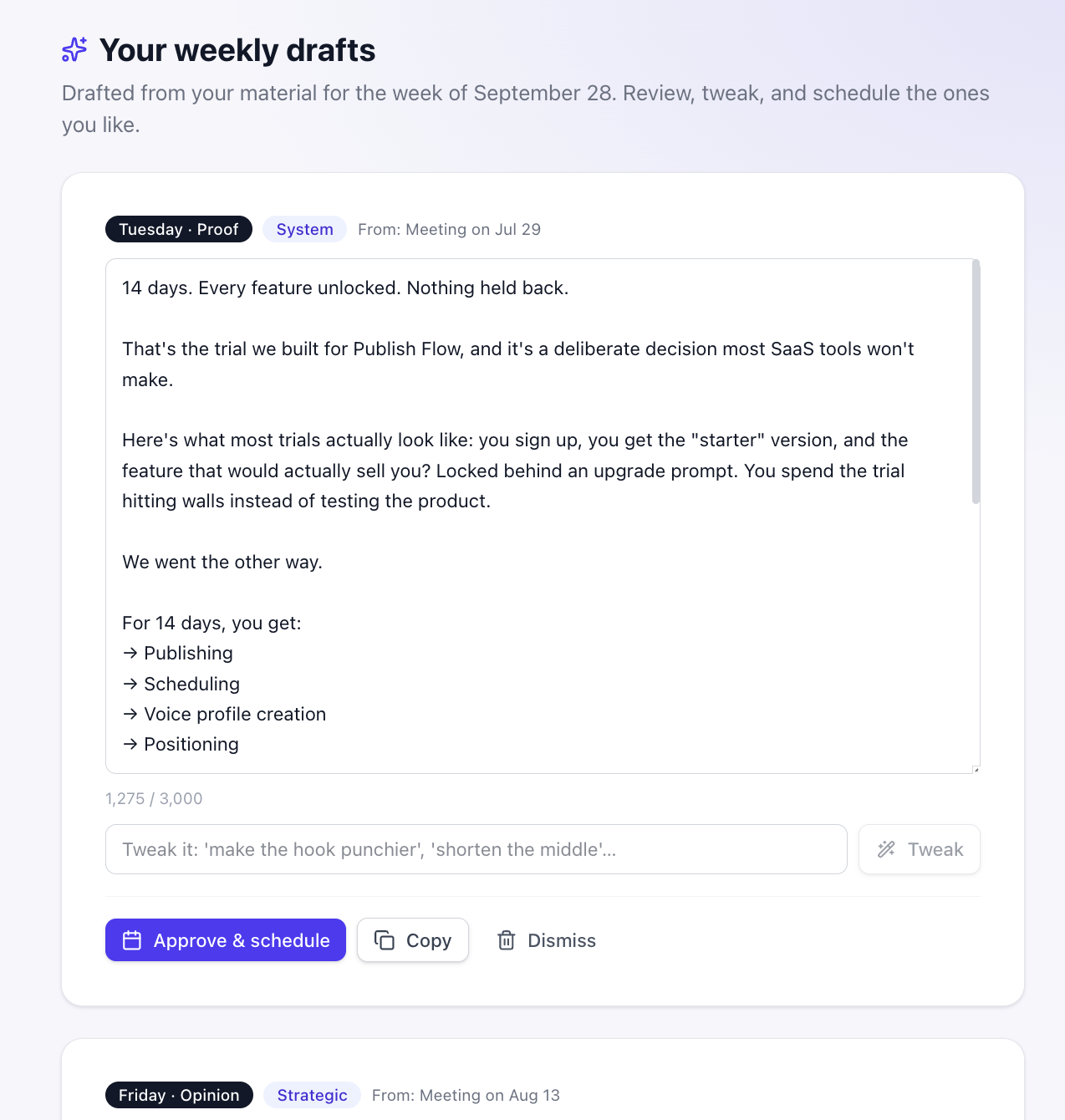
The week is drafted every Monday. Each draft has its own day and format, and shows which call it came from. Tweak it, then approve and schedule it. Nothing publishes without you.
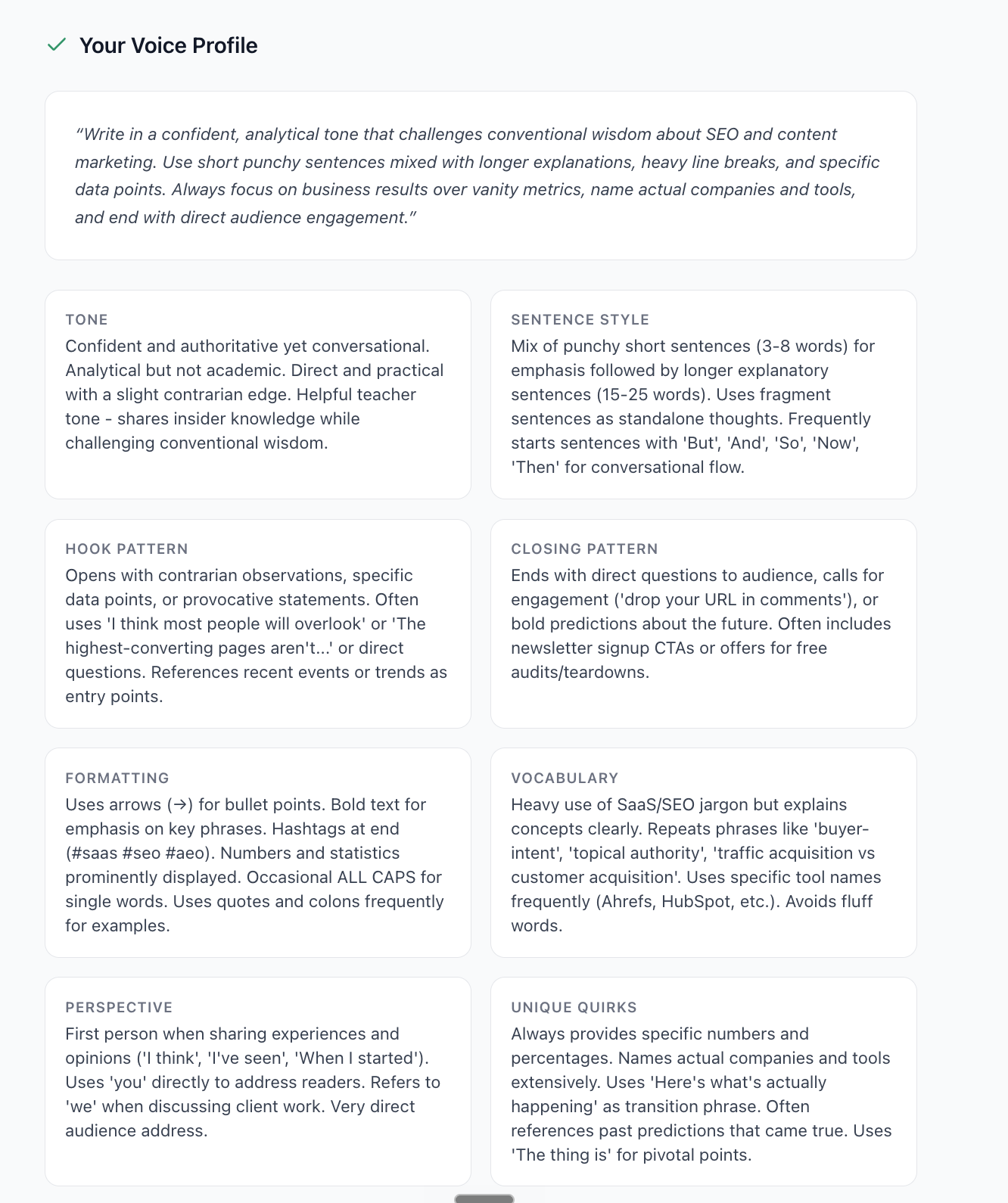
It writes in your voice. Your voice profile is built from up to 30 of your own published posts, or two you paste in. And for ideas between calls, record a voice note of up to five minutes and get a post back.
What it doesn't do:
- No analytics. No dashboards, tracking or performance history. Keep one of the tools above for that.
- Text posts only.
- Personal profiles only, not company pages.
- LinkedIn only.
It's built for founders who are the face of their company and have plenty of calls, but not the time to turn them into posts.
Keep your analytics tool. Let PublishFlow draft next week's posts from this week's calls. Start a 14-day free trial, no card required.
What to Do This Week
- Secure any Shield CSVs you have. Put them somewhere you'll find them again.
- Export your LinkedIn analytics. Pick the 365-day range, export to .XLSX, and set a quarterly reminder.
- Pick one analytics tool from the table and start its trial.
- Decide what your real bottleneck is. Measuring your posts, or producing them.
- If it's producing them, try PublishFlow's 14-day free trial alongside your analytics tool.
Frequently Asked Questions
Has Shield Analytics shut down?
Yes. Shield (shieldapp.ai, also called Shield App) announced its wind-down in May 2026. As of September 2026, its website and app no longer load, and there's no way to sign up or log in.
Why did Shield shut down?
In the founders' words: "Both Google and LinkedIn made it clear that we could not continue operating Shield as it was built. We decided not to fight it." Shield ran as a Chrome extension, so it depended on both companies' rules.
Can I still export my Shield data?
No. Shield's app is offline. If you exported CSVs earlier, keep them. If you didn't, export your LinkedIn analytics instead: LinkedIn gives every member up to 365 days of post data as an .XLSX file. Shield history older than that can't be recovered.
What is the best Shield Analytics alternative?
It depends on what you used Shield for. AuthoredUp is the closest like-for-like for personal-profile analytics. Taplio bundles analytics with AI writing, scheduling and lead tools. MagicPost, Buffer and Metricool use LinkedIn's official API. LinkedIn's free native analytics covers the basics.
What is the best free Shield alternative?
LinkedIn's built-in analytics. Every member gets impressions, engagement, top posts, follower trends and demographics for up to 365 days, with an .XLSX export. It lacks Shield's multi-year history, but it covers the basics for many people.
Is Inlytics still a Shield alternative?
No. Inlytics no longer operates, and inlytics.io now redirects to a different product, DemandBird. Some older lists of Shield alternatives still recommend it.
Does PublishFlow replace Shield?
No. PublishFlow doesn't do LinkedIn analytics. It covers the other half of what many Shield users wanted, which is posting consistently. It drafts your week of LinkedIn posts every Monday from your own calls, in your voice, and nothing publishes until you approve it. Pair it with one of the analytics tools above.
Which Shield alternatives use LinkedIn's official API?
MagicPost says it uses the official LinkedIn API. Buffer and Metricool were named as launch partners for LinkedIn's post analytics API in July 2025. AuthoredUp works differently: it's a Chrome extension that says it only reads what's on your screen.
Your LinkedIn Stack After Shield
Shield set the standard for LinkedIn analytics for years, and its shutdown is a real loss. It's also a good moment to build a setup that doesn't depend on a single tool: one tool to measure what works, and a habit (or a tool) that keeps the posts coming.
Pick the analytics tool that fits how you work. And if you've been spending more time looking at dashboards than posting, the creation side deserves some attention too.